Real Capital Solutions
  • Home
  • About
    • About RCS
    • Team
    • Initiatives
    • Philanthropy
    • Case Studies
    • Careers
  • Portfolio
    • Current Assets
    • Commercial Assets
    • Residential Assets
    • Select Realized Investments
    • Solar Assets
  • News
  • Investor
  • Contact
  • Click to open the search input field Click to open the search input field Search
  • Menu Menu
  • Link to LinkedIn
  • Link to X
  • Link to Facebook
  • Link to Instagram

Prospect Point – Rooftop Solar

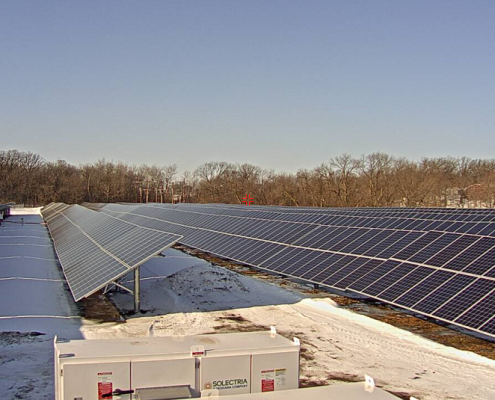
Wheat Ridge Medical Offices – Groundmount Solar

WakeSun Community Solar Garden

Northfield Support Center – Rooftop Solar

Regional Office – Rooftop and Carport Solar

Peak to Peak Charter – Rooftop and Groundmount Solar

Nisley Elementary – Rooftop Solar

Jeffco Community Solar Garden

Hidden Lake Medical Offices – Groundmount Solar

Grand Junction High School – Rooftop Solar

Fruita Monument High School – Rooftop Solar

Central High School – Rooftop Solar

BentonSun Community Solar Garden

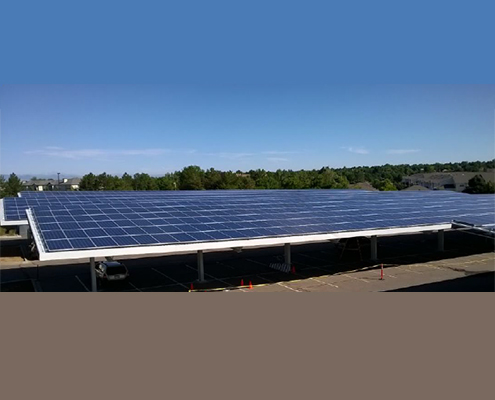
Aurora Centrepoint – Solar Carport

Arapahoe Medical Offices – Solar Carport

Renewable Energy

350 Interlocken – Solar Carport

Solar Energy

East Denver Medical Offices – Solar Carport

© Copyright 2023 Real Capital Solutions | RCS Email | Employee Benefits Portal
  • Link to LinkedIn
  • Link to X
  • Link to Facebook
  • Link to Instagram
  • Home
  • About
  • Portfolio
  • News
  • Investor
  • Contact
Scroll to top Scroll to top Scroll to top
News Article Full Text

Option A (easiest): Use a popup/modal plugin

Look for a plugin that supports “open popup on click” and lets you put text content inside.

Common options:

  • Popup Maker (popular; good for “click to open” text popups)

  • Elementor (if you use Elementor Pro, it has Popups built-in)

  • Kadence Blocks / Spectra / GenerateBlocks (some setups can do modals; depends on your stack)

Generic steps (Popup Maker-style):

  1. Install/activate the popup plugin.

  2. Create a new Popup called “Full Article”

  3. Paste your article text into the popup content.

  4. Set popup size, scrolling, and show the close “X”.

  5. Create a button/link on your page that says “Read full Article”

  6. Link that button to the popup trigger (usually the plugin gives you a CSS class like popmake-123 or a shortcode trigger).

This is the cleanest if you don’t want to mess with code.